Delivery Areas
Delivery areas are the zones you deliver to, drawn on a map. Each one carries its own delivery price and its own minimum order, so a customer two streets away and one on the far side of town are charged what each actually costs you.
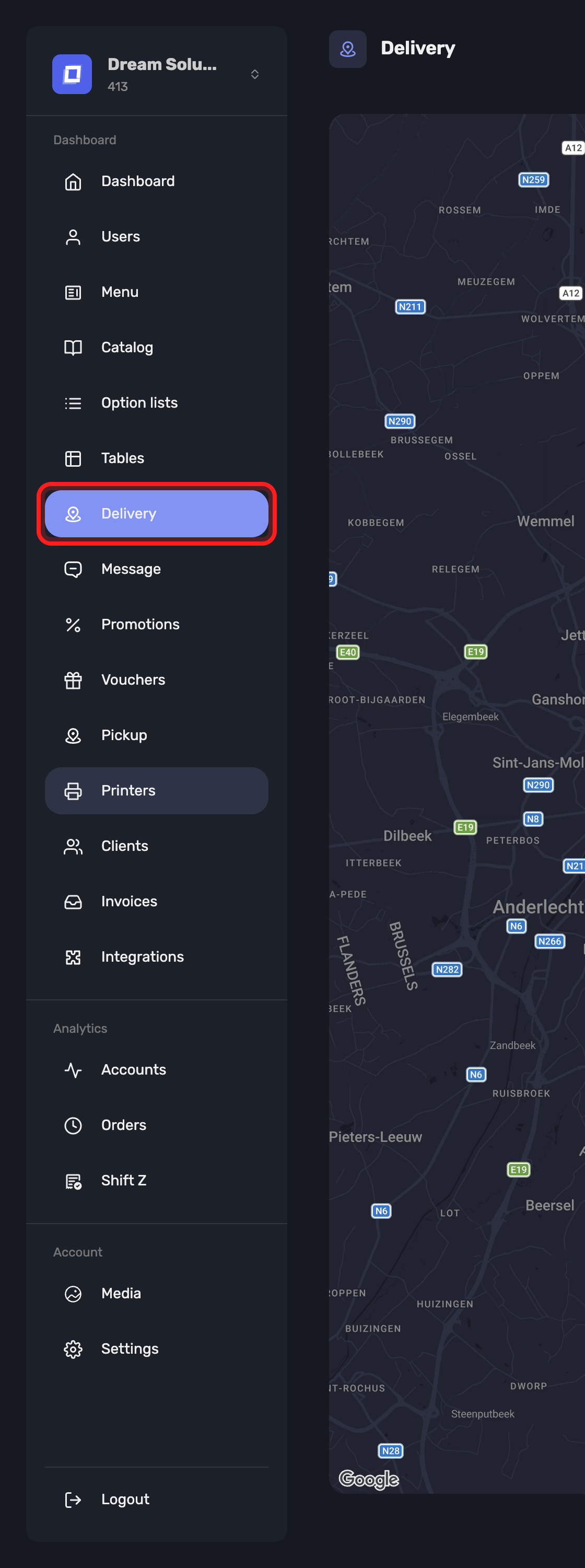
Open it from Delivery in the sidebar — the entry is named for the subject, the page itself for what you draw on it.
Note
Delivery areas is an administrator-only section — it is not shown to other users, whatever abilities they hold. See Users → Which Pages a User Can See.
Drawing an Area
The page opens on the map, and on “No delivery area yet. Draw your first area on the map.” until you make one.
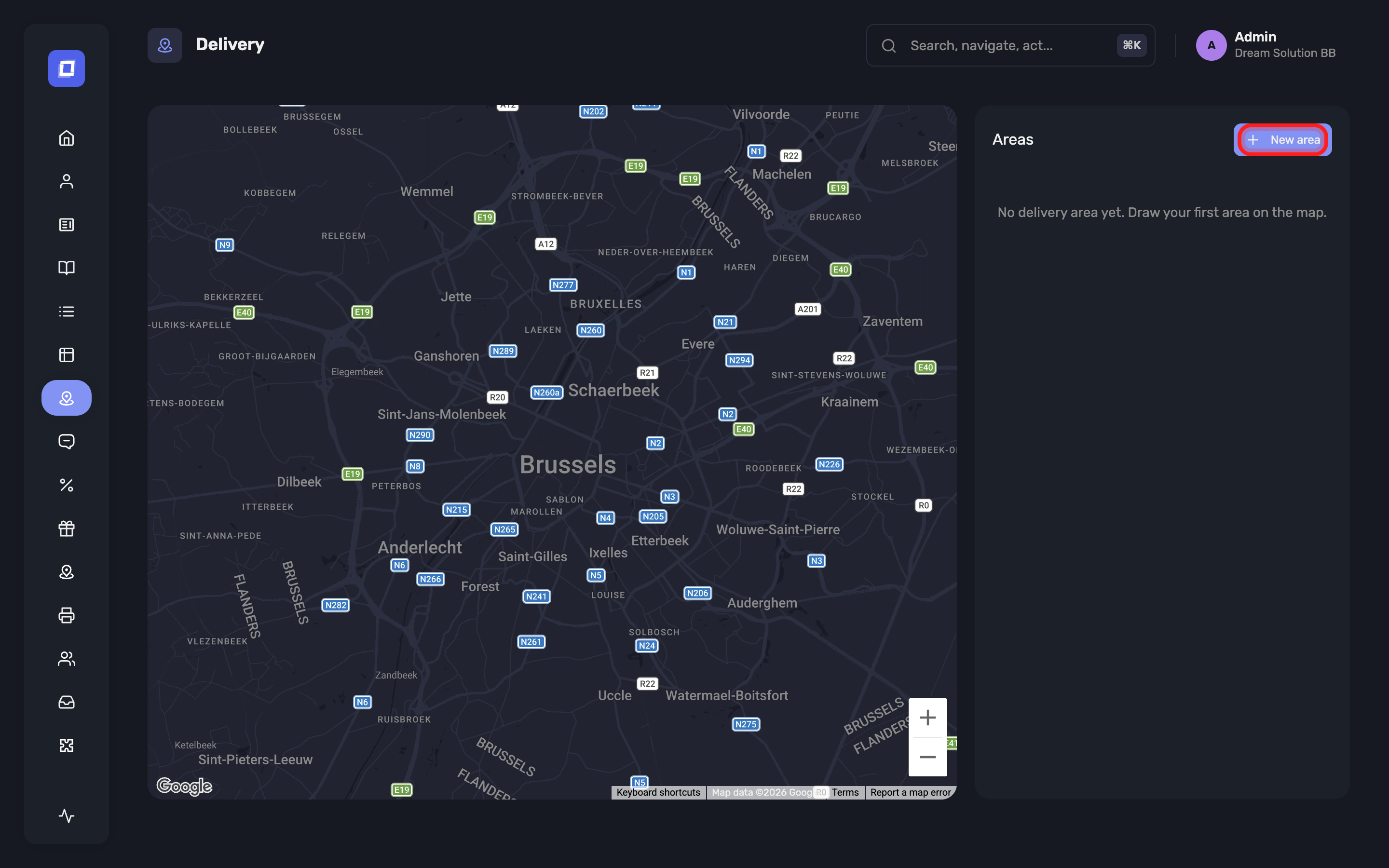
New area starts the drawing: “Click on the map to place the points of your area.” Each click drops a corner.
- Remove last point undoes the point you just placed
- Finish area closes the shape and opens its settings
- Cancel abandons it
An area needs at least three points — “A zone must contain at least 3 points.”
Tip
Follow what you actually drive, not the postcode. Points along the ring road, the canal or the railway usually make a more honest zone than an administrative boundary does.
What an Area Carries
| Field | What it does |
|---|---|
| Area name | What you call it — E.g. City center |
| Delivery price (incl. VAT) | What the customer pays for delivery inside this zone |
| Minimum order amount | The basket has to reach this before the zone can be ordered to |
| Minimum amount for free delivery | Above this, delivery in this zone costs nothing |
| Priority order | The lower the number, the higher the priority when areas overlap. |
Leave an amount at 0 and the establishment-wide figure is used instead: “Leave at 0 to use the amount set in the organisation settings.” Those live on the Website settings.
Warning
Overlapping zones are normal — a small expensive centre inside a larger cheap ring, for instance. Priority order decides which one a customer in the overlap gets, and the lower number wins. Give the zone you want to apply the smaller number.
Changing an Area
Select an area to edit its fields, or reshape it on the map: “Move the points of the selected area directly on the map.” While a shape is being moved the page marks it Shape modified, and holds it until you confirm — Save shape keeps it, Discard changes puts it back.
Summary
- Areas are drawn on the map, at least three points each
- Each carries its own delivery price, minimum order and free-delivery threshold
- An amount left at 0 falls back to your establishment-wide setting
- Where areas overlap, the lowest Priority order wins
- Reshaping an area is held as Shape modified until you save or discard it
- The section is administrator-only