Option Lists
An option list is a reusable set of choices you attach to a product: the sauces that go with a burger, the sides with a steak, the ingredients a customer can leave out. Build the list once, assign it to as many products as you like, and change it in one place.
Note
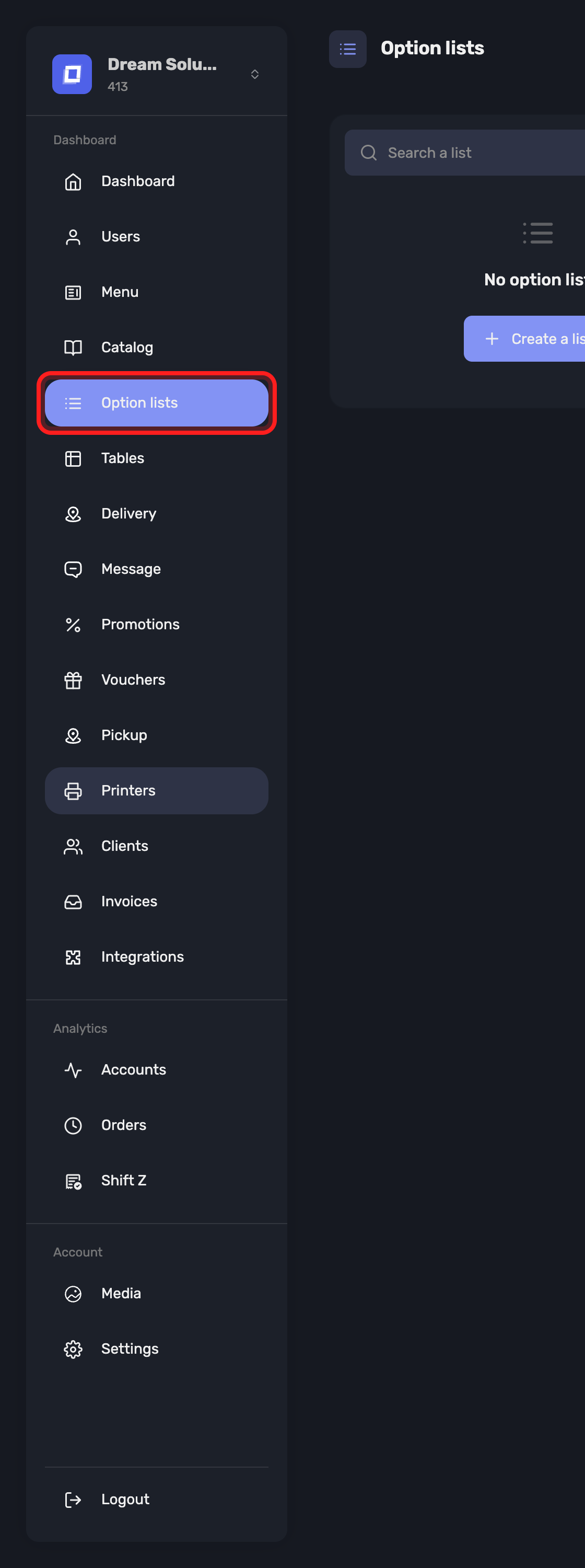
Option lists are their own section in the sidebar, Option lists, beside Catalog.
Creating a List
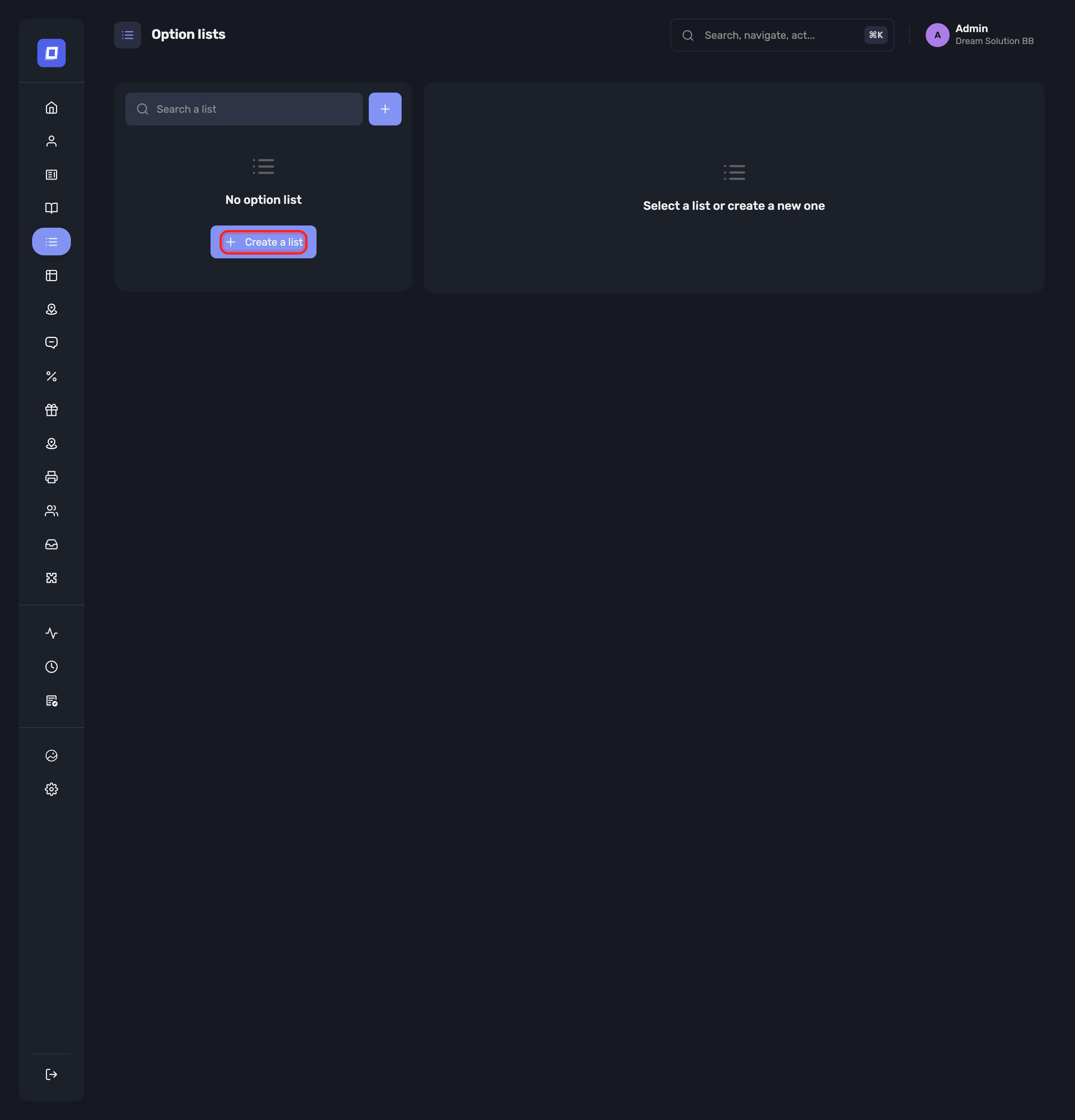
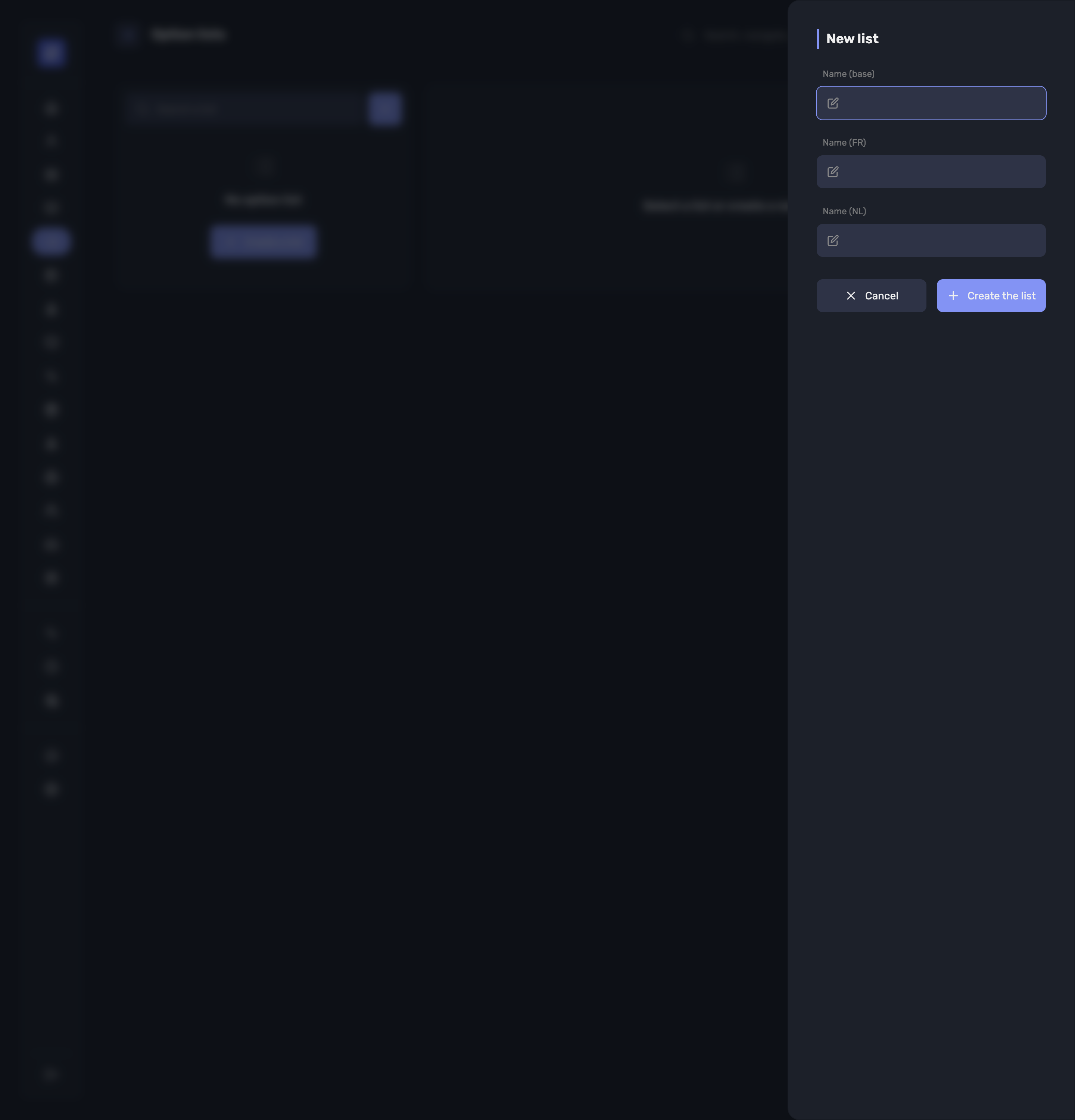
Create a list asks only for the name, in each language your customers read:
- Name (base) — the fallback used where no translation exists
- Name (FR) and Name (NL)
A list with no name is refused. Once created, select it to fill it in — the page prompts Select a list or create a new one until you do.
Choice Rules
Choice rules decide how many options the customer must or may pick:
| Field | What it does |
|---|---|
| Minimum choices | Minimum number of options to pick in this list |
| Maximum choices | Maximum number of options to pick in this list |
| Forced choices | Exact number of options to pick in this list |
Warning
Forced choices overrides the other two: “A number of choices is forced: the minimum and the maximum no longer apply.” Set it when the answer is "exactly two", and leave it empty when you want a range.
The Options Themselves
Each option in a list is one of your products, with its own settings for this list:
Price — On site price and Takeaway price, leave empty to keep the normal product price. Price per platform (In/Out) does the same per delivery platform. Tick Free to make the option considered free when taking an order, whatever the product normally costs.
Option type — Special option type, e.g. “Without” to remove an ingredient. An option set as a Prefix reads as a removal on the register, the kitchen display and the ticket: an option called Cheese prints as No Cheese rather than as an added item.
Multiple lets the same option be taken more than once, up to the maximum you set.
Use the action beside an option to Reorder, edit or remove it. The order you set is the order staff and customers see.
Reusing a List
Duplicate the list copies it as “… (copy)”, and asks “Include the list's options in the duplicate?” — say yes for a variant of the same choices, no for an empty list with the same rules.
Assigning a List to a Product
On a product, Assign options links the lists that apply to it. A product can carry several: a burger might take Cooking, Sauces and Without.
Where a product's options change its price, the self-ordering kiosk shows the lowest reachable price on the tile — From €… — so the customer is not surprised at the end.
Tip
Keep lists narrow and reusable. One Sauces list assigned to eight products is easier to keep right than eight product-specific lists that drift apart.
Summary
- An option list is a reusable set of choices, built once and assigned to many products
- Choice rules set a minimum, a maximum, or an exact number of picks — forced wins over the other two
- Each option can carry its own on-site, takeaway and per-platform price, or be marked Free
- An option typed as a prefix reads as a removal — No Cheese — on the register, the kitchen display and the ticket
- Duplicate the list copies the rules with or without the options
- Products pick up lists through Assign options