Clients
The Clients section holds the customer records your establishment keeps: the people you deliver to, invoice, or issue VAT tickets to by email.
A client is created once and reused. Once a client is linked to an account, their details follow that account through delivery, invoicing and ticketing.
Note
Access to this section is granted per user with the Clients ability. See Users → Managing Abilities.
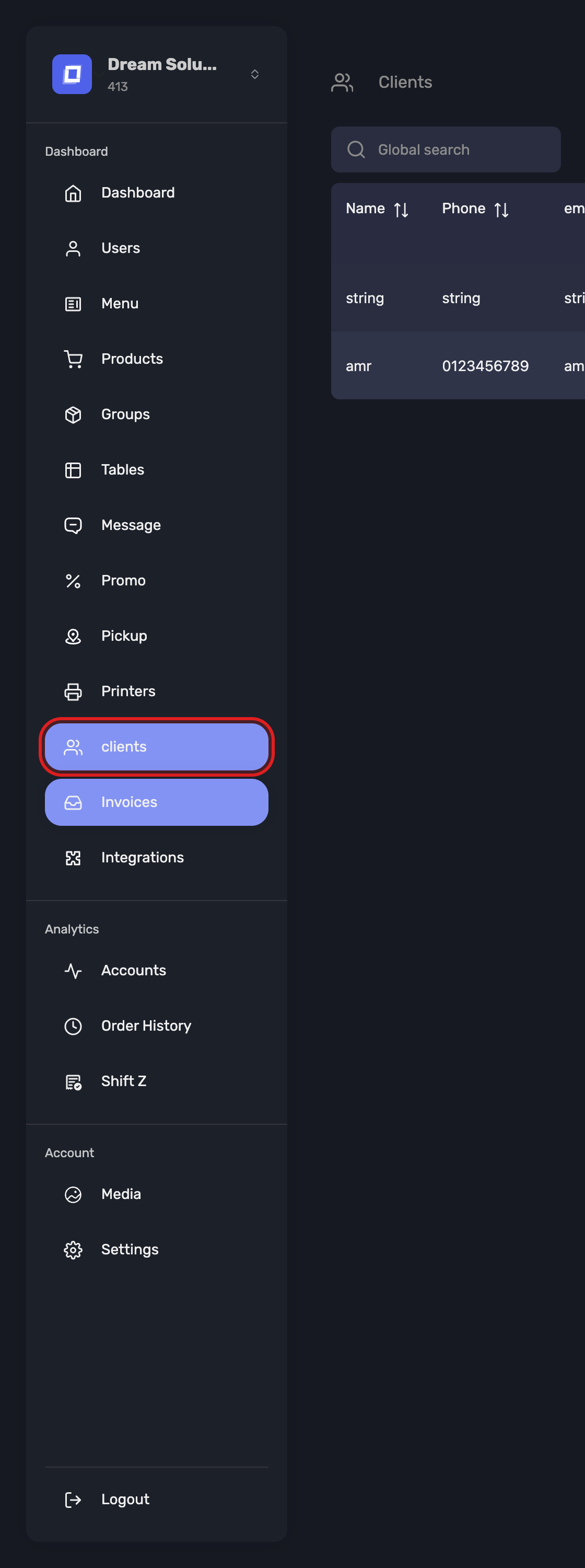
Open it from Clients in the sidebar.
Adding a Client
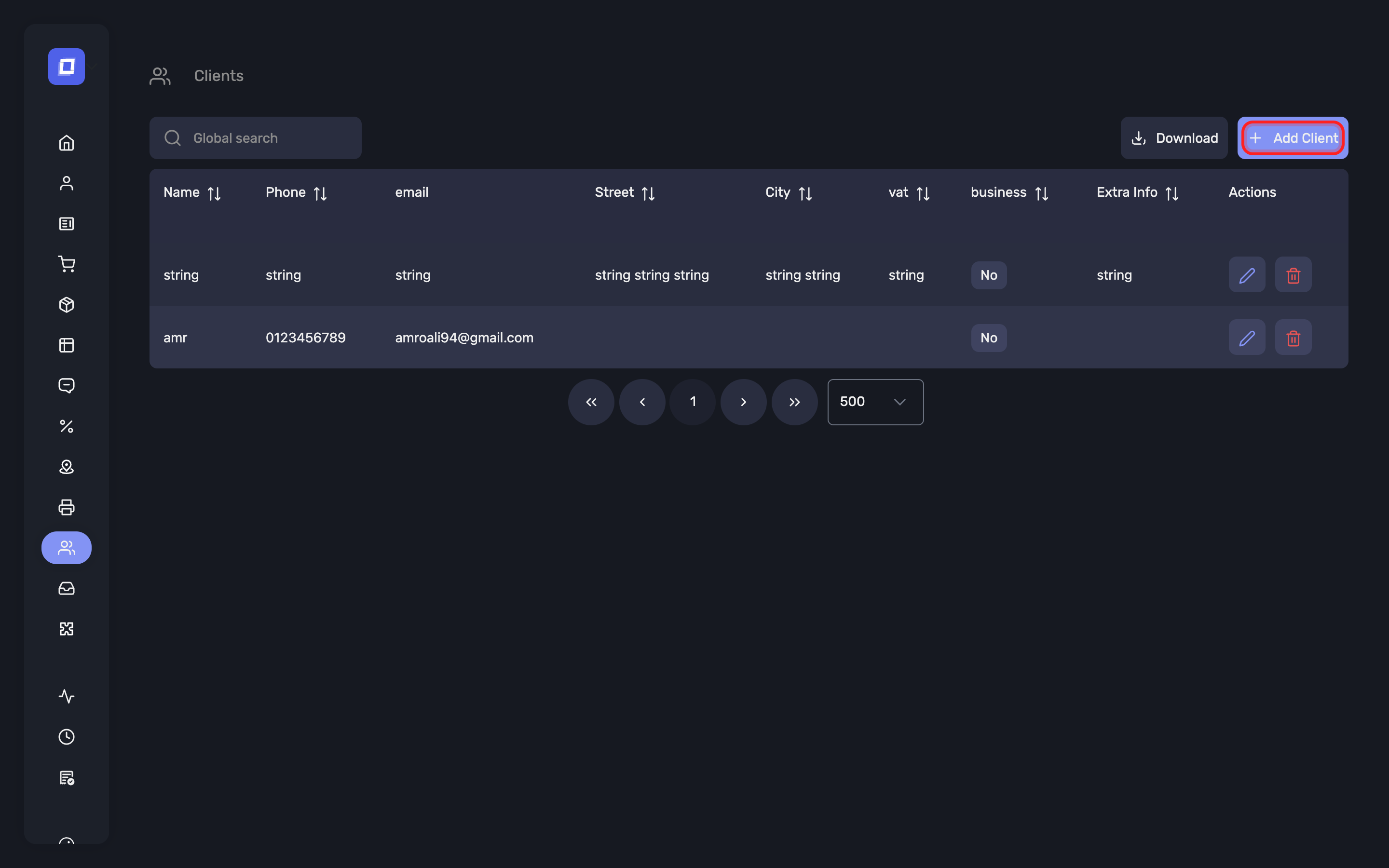
- Go to Clients in the left sidebar.
- Click Add Client.
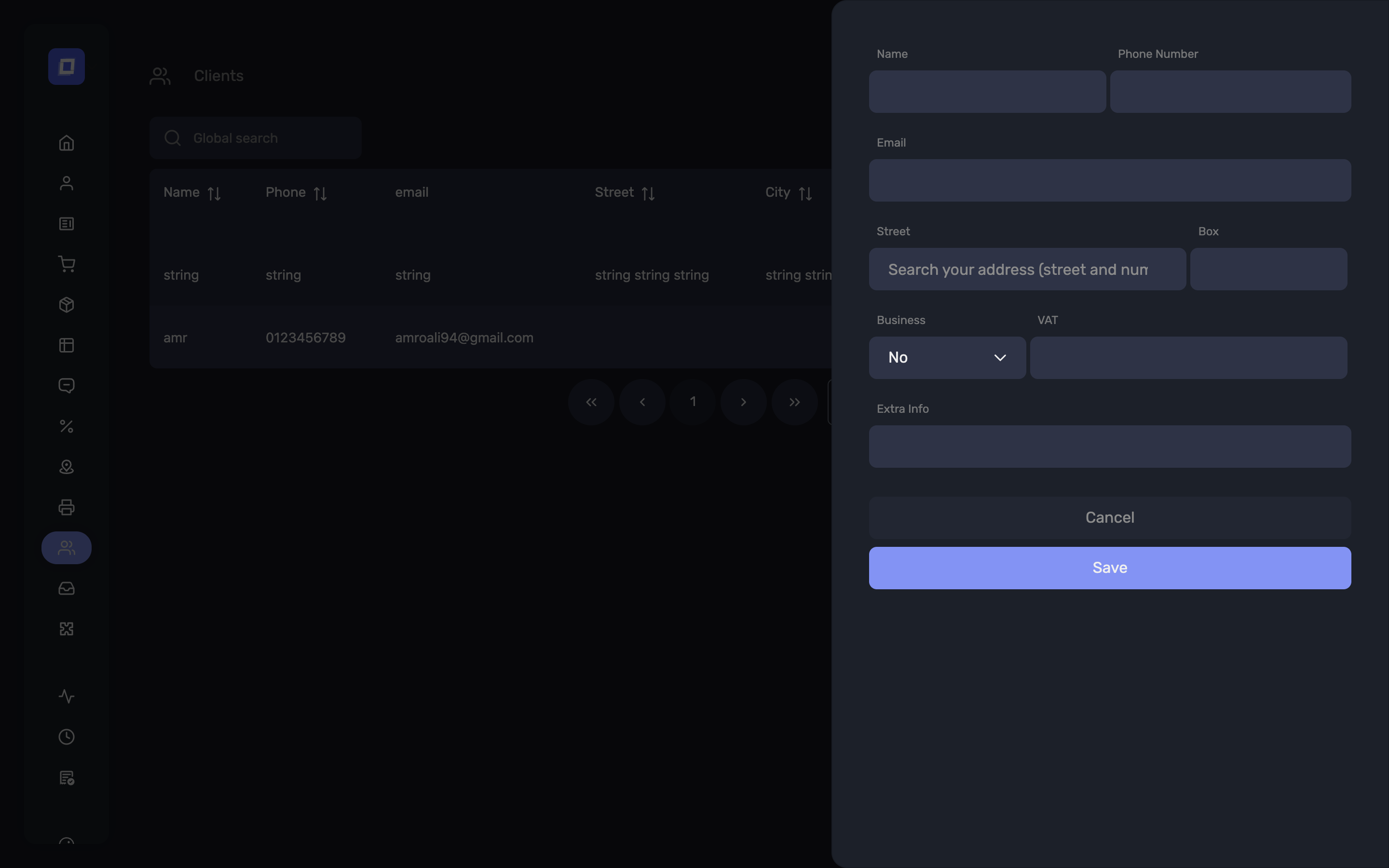
- Fill in the details below and save.
| Field | Required | Purpose |
|---|---|---|
| Name | Yes | Identifies the client everywhere they appear |
| Phone Number | Yes | Staff search on it in the app and here, alongside the name |
| Where the VAT ticket or invoice is sent | ||
| Street, Number, Box, Zip Code, City | Delivery address | |
| Business | Company name, for business customers | |
| VAT | VAT number, required on invoices to a business | |
| Extra Info | Free notes — door codes, delivery instructions, preferences |
The address is entered through an address search: type the street and number, then pick the match from the suggestions.
Warning
Phone numbers must be unique. Adding a client whose number already exists is refused with “This phone number is already registered. Please search and edit it if necessary.” Search for the existing client and edit them rather than creating a duplicate.
Tip
The phone number is how staff find a client on a busy service — it is the field the app searches on. Get it right at creation and everything downstream works; a client saved without one can only be found by scrolling.
The Client List
Clients are listed with their Id, creation Date, Name, Phone, City, Extra Info and any linked Invoice.
Use the search field to find a client by any of these, and open a record to edit it.
What a Client Is Used For
Linking a client to an account changes what the system can do with it:
VAT tickets by email — in the Belgian SCE-certified version, an account with a linked client holding a valid email address has its VAT ticket emailed to the client instead of printed. See Payment.
Digital VAT tickets after the fact — from a closed account, the ticket can be sent to the client's email or downloaded as a PDF for up to 48 hours. See Account History.
Invoicing — an invoice cannot be generated without client data. Attempting it reports “The client data is missing, please add client data to the account to generate the invoice.” Link the client before the account is paid: the Posbel app cannot add one to a closed account, while the Posbel Admin panel attaches or creates one at the moment you send. See Invoices.
Delivery — the address and extra information travel with the order.
Summary
- Clients are created once and reused across accounts
- Name and Phone Number are required; the phone number must be unique
- A linked client is what enables emailed VAT tickets, digital tickets and invoicing
- Access is controlled by the Clients ability